How to Choose a Photo for an AI Rap Video
Get your face, framing and lighting ready before you start a solo or duo rap setup.
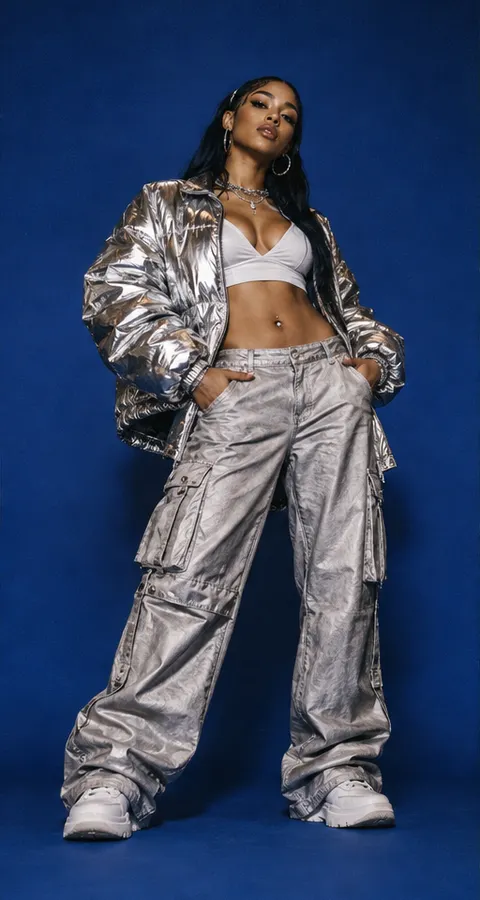
Start with one clear face
A photo setup is easier to review when the person is facing the camera and their face is sharp. Use even front light, leave room around the shoulders, and avoid a phone or hand covering the mouth. A chest-up portrait gives you useful facial detail without cutting the shoulders out of frame.
Choose a photo you own or have permission to use. A reference clip is inspiration; it does not grant permission to use another person's identity or soundtrack.
Keep the photo simple
Avoid heavy beauty filters, strong backlight and sunglasses that hide the eyes. Keep other people out of a solo source photo. Save a clean copy before changing colour or cropping, so you can compare it with your original.
The current upload interface accepts JPG, PNG and WebP, up to 8 MB per photo. Signing in is required. Photos go through SeeAPI safety checking before storage; if the moderation service is unavailable, the upload stays disabled.
Preparing a duo
For a duo, prepare two separate photos, one for each person. Similar light and camera distance make it easier to plan a shared scene. Do not put two faces into one upload slot and expect the setup to assign them automatically.
Open the solo setup for one person, or try the Hotel Lobby Rap Duo template for two photo slots.
Know what is available today
You can choose supported beats and scenes and preview an approved photo setup. Video generation is still being connected. A reference preview is not a personalized output, and previewing the setup does not spend credits.
Our planned video packs use 15-second, 480p exports. View the pricing page for the exact pack amounts and current availability.