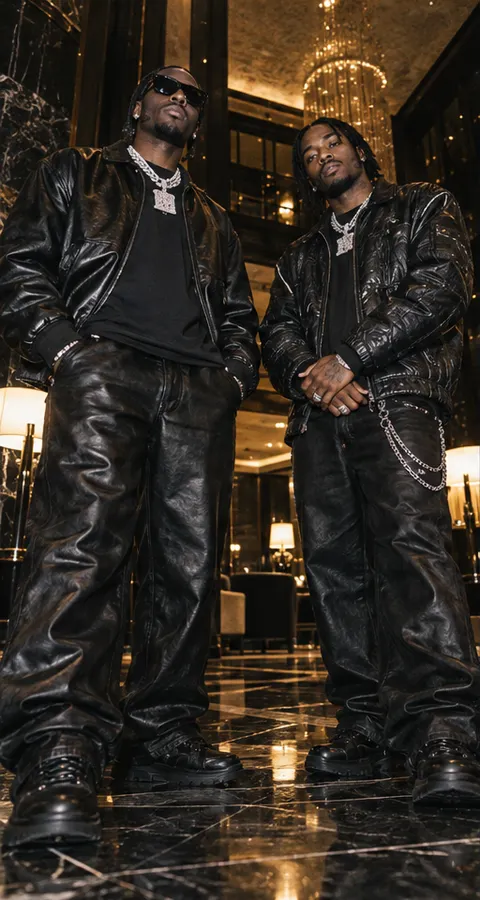
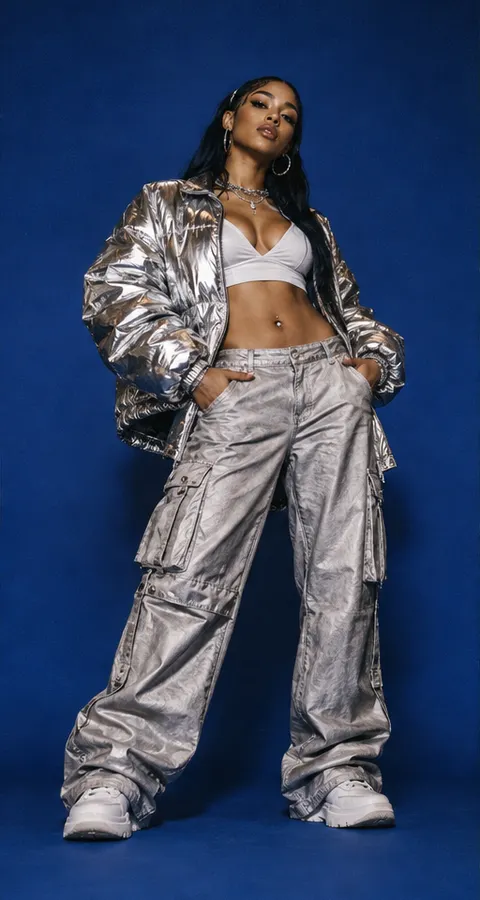
Choose a Rap video template and use your photos to replace its lead performers. Source replacement opens after licensed media and synchronized delivery are verified.
Two photos, two fixed roles: Photo A replaces the left performer and Photo B the right. Original-source replacement is unavailable until licensed source media and synchronized delivery are verified.
Prepare one authorized photo for Bulin’s main lead, or two photos for Hotel Lobby: A maps left and B right. Sign in and agree to safety checks before photos are transmitted. Approved photos are stored privately; preparing photos does not enable source replacement.
2. Check the fixed template and performer mapping
Source-replacement templates use a server-managed video and original audio track. They must preserve the template’s scene, timing, performance and edit rather than generate a different song or random scene. Confirm the designated lead roles and the actual source version. A reference page is not a production source or a rights license.
3. Generate only when source delivery is verified
Submit an available template and follow its status in My videos. Bulin currently uses a 14-second video reference and copies its original audio. Mouth synchronization may vary. Results must pass private storage, media checks and content review before playback or download. Hotel Lobby is not available.
Explore the template formats below. Fixed-source replacement keeps the approved template’s performance and audio; licensed source media and synchronized delivery must be verified before those templates can generate.
Two faces. One track.
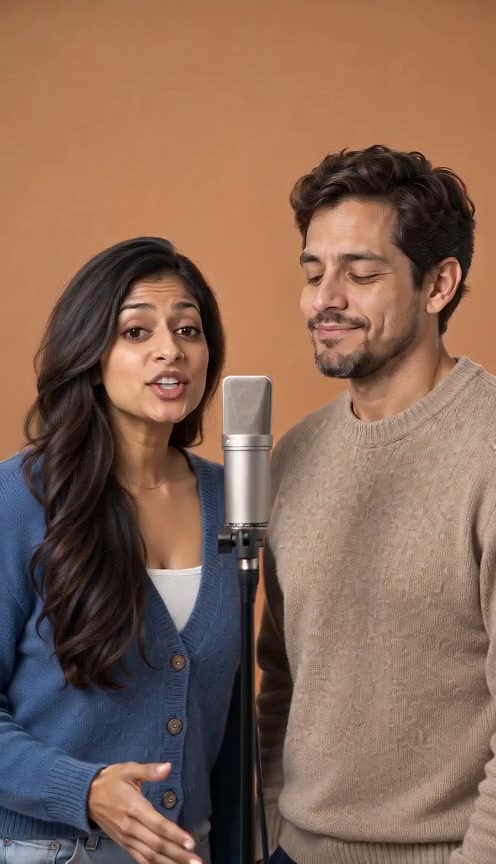
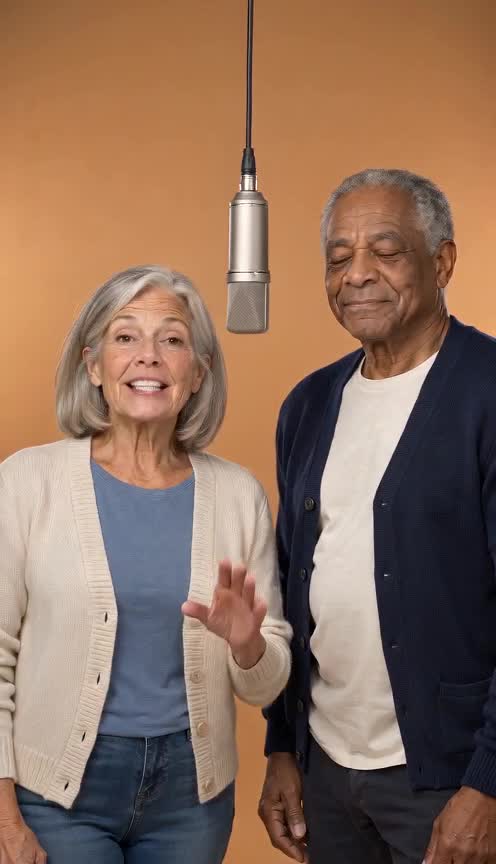
Trade verses with a friend in a shared scene. Start with two separate portraits and build a performance around your chemistry.
A vertical frame puts the performance first. Our planned 9:16 export keeps your face and movement in view on TikTok, Instagram Reels and YouTube Shorts. Use a short verse or a quick duo exchange to give each clip a clear beginning and ending. As an AI video generator from photo, RapVideoMaker is designed to make an AI rap video without a timeline editor. Export duration, resolution and download options will be shown before you generate, once the video service is connected.
Choose a fixed video template and prepare the required authorized portraits. Hotel Lobby maps two photos left/right; Bulin uses one main-lead photo. These source-replacement templates currently lack licensed source assets and synchronized delivery, so generation is paused without a credit charge.
Is RapVideoMaker free?
Preparing and previewing your setup is free. Planned video packs cost $9.90 for one video, $19.90 for three, or $29.90 for five. Each video is 15 seconds at 480p. Purchases, generation and downloads are not open yet.
Do I need two photos for a rap duo?
Yes. One photo per person, both full-body or waist-up, facing the camera. Same lighting in both shots keeps the shared scene believable.
Which AI video model powers it?
The integrated video generation service is not connected yet. Supported models and their limits will be shown when generation becomes available.
Can I post the result on TikTok or Reels?
Only publish a result when you have permission for the portraits, source video, composition/lyrics and recording. Original template audio is not licensed merely by appearing in a public demonstration. Hotel Lobby and Bulin source replacement have no verified downloadable output yet.
Start With Your First Photo
Your next performance starts with a photo. Try the AI rap video generator in your browser, choose your direction and get your first creative setup ready. No editing experience needed.